Social Media Management Platform
Plan. Create. Manage. Grow.
A modern social media management platform should do more than schedule posts. Salt Social Media helps businesses organize content, create better social media, streamline approvals, manage campaigns and keep their entire social strategy in one place.
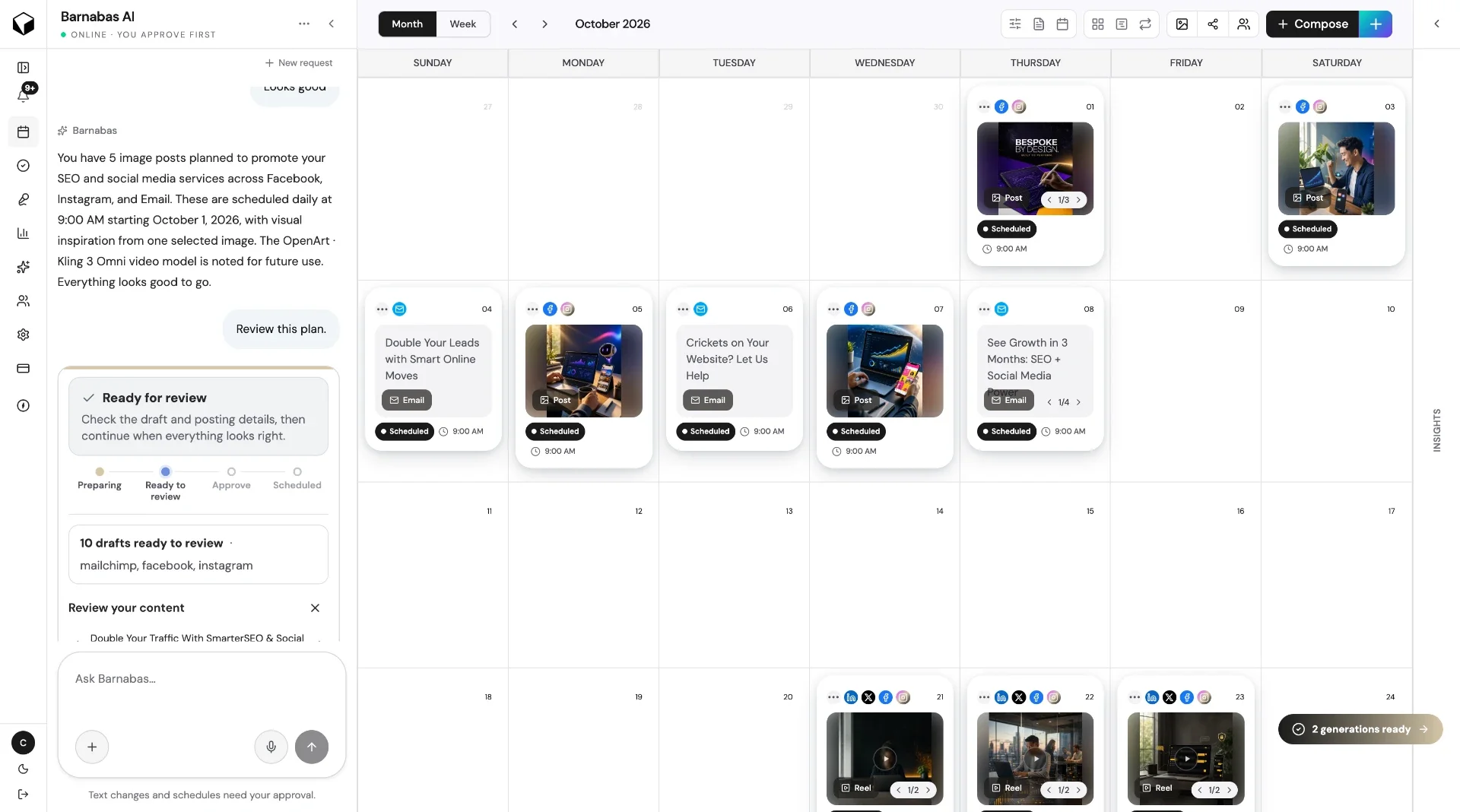
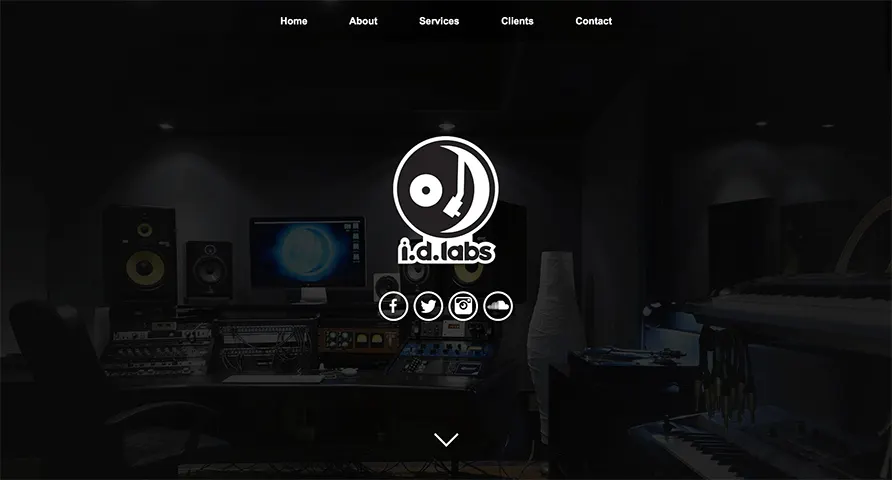
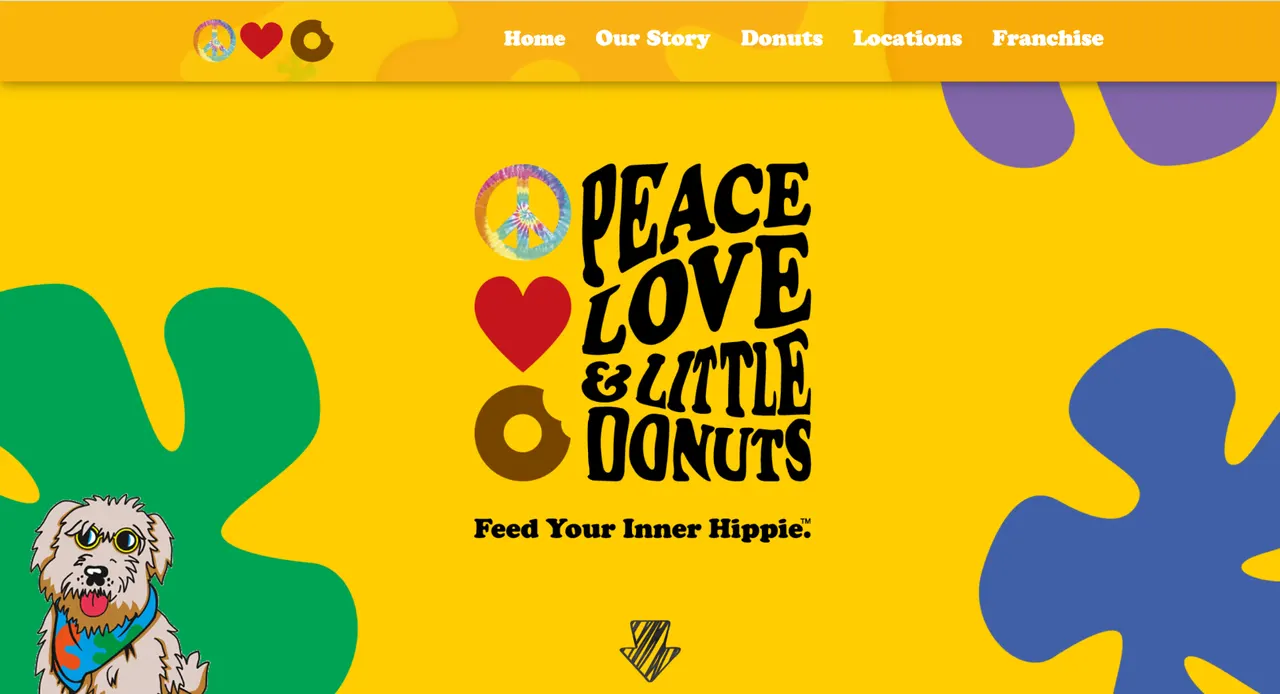
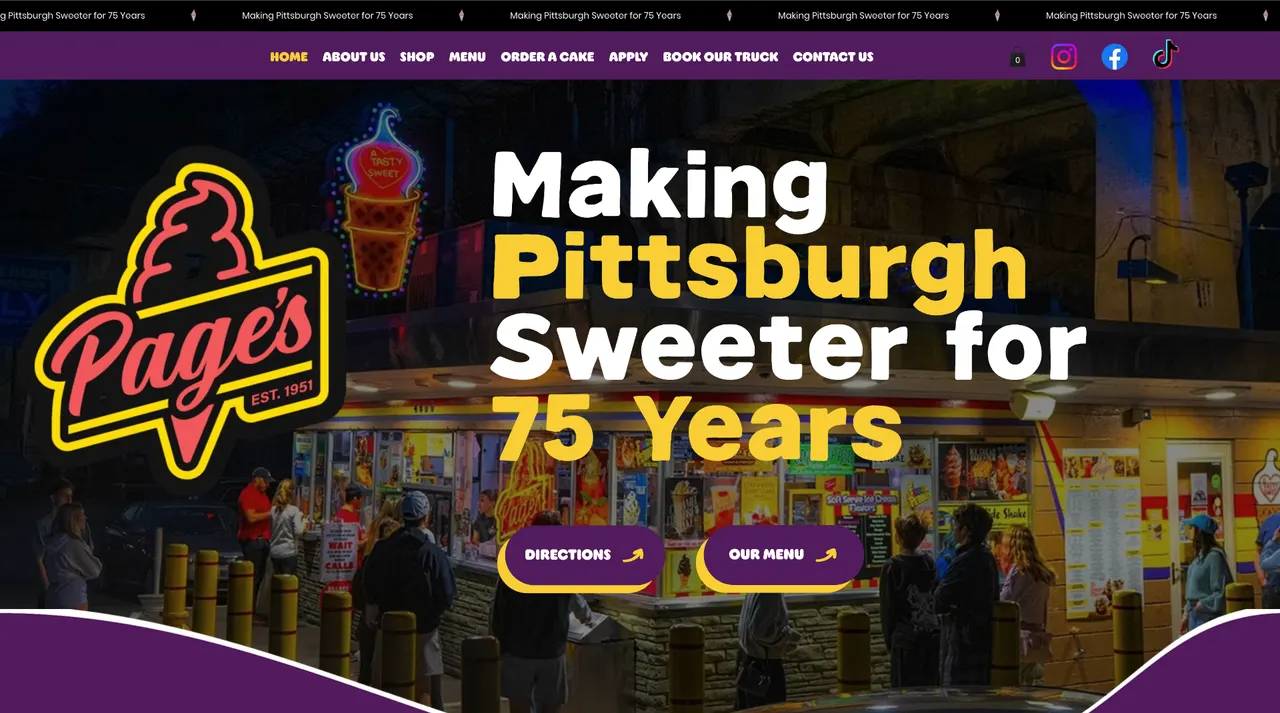
Real work for real brands.
A living wall of websites, apps and brands built for businesses that take their online presence seriously.

Category explainer
What Is a Social Media Management Platform?
The short answer
Software that holds every stage of social content — planning, creation, approval, scheduling, publishing and reporting — in a single shared system.
Managed manually
With a platform
Plan in a spreadsheet
Shared content calendar
Copy in a doc
Drafts beside the post
Creative in a drive
Assets in one library
Approvals over email
Review step on the post
Posting in native apps
Scheduled from one place
A social media management platform is a single system for running social media as a process rather than a series of one-off posts. Instead of each stage living in a different tool, the platform centralises the work: content planning, content creation, scheduling, publishing, campaign organisation, collaboration, approvals, asset management, content calendars, AI-assisted content creation, analytics and account management.
The difference between managing social media manually and using a centralised platform is mostly a difference in visibility. Managed manually, the plan lives in someone's head or a spreadsheet, the copy lives in a document, the creative lives in a drive folder, the approval happens over email or chat, and the scheduling happens in the native apps. Nothing is wrong with any single piece. The problem is that no one can see the whole thing at once, so questions like what is going out next week, has this been approved and did we ever publish that campaign post take real effort to answer.
A platform changes that by giving the work a shared structure. A content calendar shows what is planned, drafted, approved and published across accounts. Campaigns group related content so a launch is a single thing rather than eleven scattered posts. A review step means feedback lands on the content itself instead of in a reply chain. And because the assets, the copy and the schedule are in one place, the person publishing is not reassembling the post from three sources.
It is worth separating two categories that often get conflated. A scheduling tool is concerned with the moment content goes live: queues, times and connected accounts. A management platform covers the far larger part of the job that happens before that moment, and the part that happens after it. Teams usually outgrow a scheduling tool not because scheduling stopped working, but because everything around scheduling never had a home.
Not every team needs every capability on day one. A solo marketer may only need a calendar and a reliable place to draft. A five-person team coordinating with a client needs approvals and clear ownership. The sensible way to evaluate the category is to start from the stage of your own workflow that keeps breaking — our buyer's guide is built around exactly that.
Meet Salt Social Media
Social Media Management Without the Chaos
Salt Social Media is the platform promoted through SocialMediaManagementPlatform.com. It is designed to make the entire social content process easier — from coming up with an idea to publishing and managing the finished content.
Bring your content calendar, ideas, creative process, campaigns and publishing workflow together in one place. The goal is not more features. It is fewer places to look.
One place for social content
Ideas, drafts, assets, campaigns and the calendar stop living in separate tools.
Built around the workflow
The product follows how content actually moves, not just when it publishes.
AI where it helps
Barnabas AI supports ideation and drafting inside the workflow, not beside it.
Core capabilities
Everything the category should cover
These are the building blocks of a social media management platform. Each one links to a deeper explanation of what it does and when it starts to matter.
Content planning
Social content creation
AI content assistance
Content calendar
Campaign organization
Social publishing
Collaboration
Approval workflows
Brand organization
Barnabas AI
Meet Barnabas AI
Barnabas is Salt's AI-powered social media assistant, designed to help teams turn ideas into stronger social content faster. It lives inside the content workflow rather than sitting beside it as a separate generator.
- Generating ideas when the calendar has gaps
- Brainstorming post topics around a campaign or theme
- Developing captions from a rough thought
- Adapting one piece of content for different networks
- Refining messaging until it sounds like the brand
- Maintaining content momentum through quieter weeks

“The hard part isn't publishing a post. It's everything that happens before it gets published.”
AI helps most at drafting and adapting — the parts that take time but little judgement.
Who it's for
Different teams, different breaking points
The reason to adopt a platform is rarely the same twice. Find the version of the problem that sounds like yours.
Small businesses
Marketing teams
Agencies
Content creators
Multi-location businesses
Growing brands
Inside the platform
What a modern social media management platform looks like.
A real screen from Salt Social Media: one post going out to four channels, with its timeline, status and analytics on a single page.
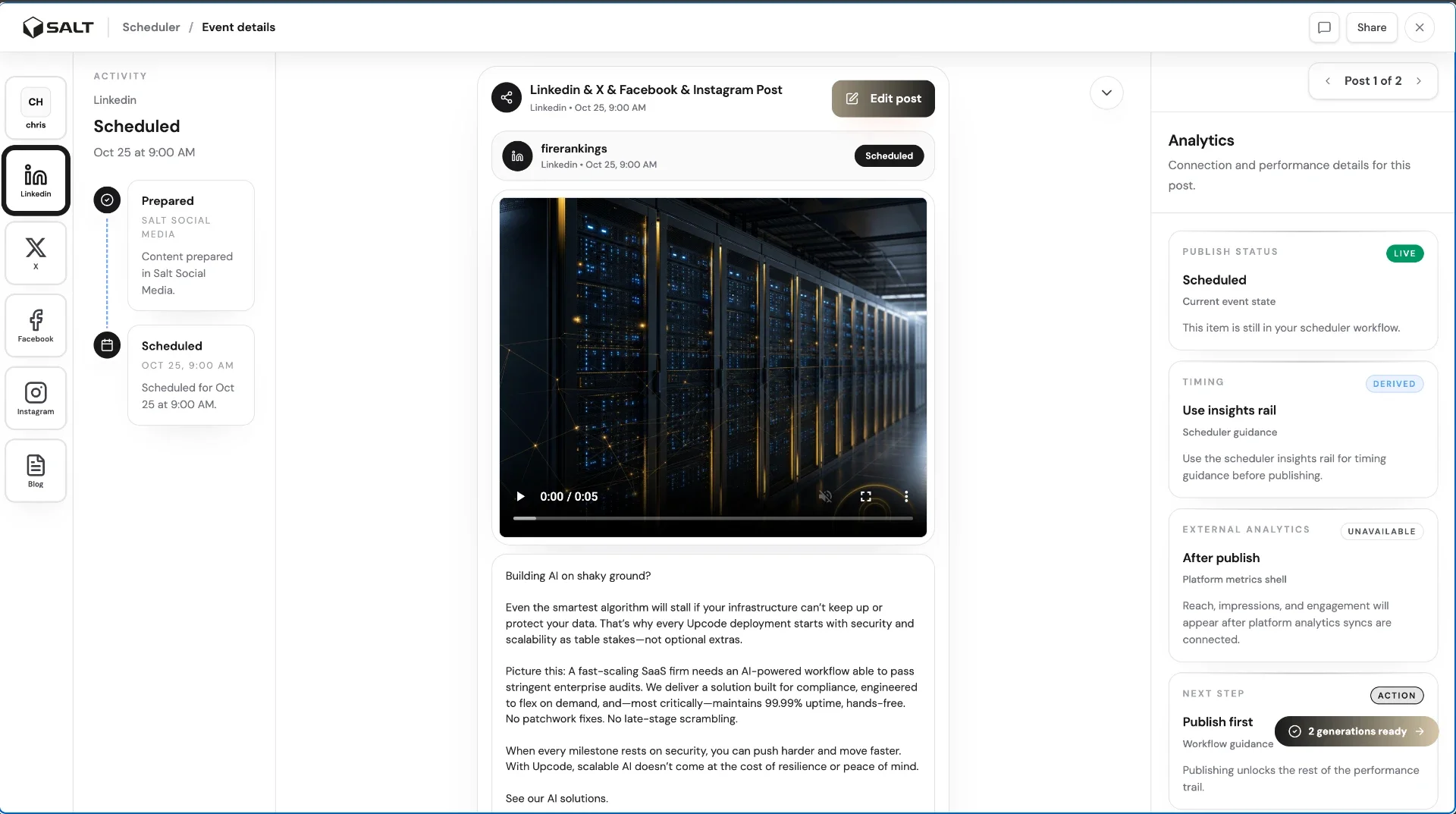
Every channel, one post
Write once and publish to LinkedIn, X, Facebook and Instagram. Each channel keeps its own preview.
A clear timeline
See when each post was prepared, reviewed and scheduled, so nobody has to ask where it's at.
Status and analytics together
Publish status, timing tips and results sit next to the post instead of in another tool.
Learn the category
Educational resources
Written for people doing the work — business owners, marketing directors and social media managers — not for search engines.
Guide
How to choose a platform
Insights
Articles and analysis
Compare
Platform comparisons
FAQ
Questions people ask before choosing
What is a social media management platform?+
A social media management platform is software that brings the full social content process into one place: planning what to post, writing and building the content, getting it reviewed and approved, scheduling it, publishing it to connected accounts, and looking back at how it performed. The distinguishing feature is centralisation. A scheduling tool handles the moment a post goes live; a management platform handles everything around it, including the calendar, the campaign structure, the assets and the people involved.
What does social media management software do?+
In practice it replaces a stack of part-time tools. Instead of ideas in a notes app, copy in a shared document, creative in a folder, approvals in email and scheduling somewhere else, the software gives every stage a shared home. That usually means a content calendar, a place to draft and store posts, somewhere to organise campaigns, a review step, publishing to connected accounts, and reporting on what went out.
Why use a social media management platform instead of scheduling posts manually?+
Manual posting works until more than one person is involved, or more than one account, or more than a week of content at a time. Then the cost shows up as missed posts, duplicated effort, last-minute writing and no shared picture of what is coming. A platform makes the plan visible, so work can be done ahead of time and reviewed properly rather than rushed on the day.
Can social media management software help create content?+
Increasingly, yes. Beyond storing drafts and assets, many platforms now include AI assistance for ideation, drafting captions and adapting a message for different networks. Salt Social Media includes an AI assistant called Barnabas AI for this kind of support. The useful version of this is assistance inside an existing workflow, not a separate generator you copy and paste out of.
Can teams collaborate inside a social media management platform?+
That is one of the main reasons teams adopt one. Collaboration means more than commenting: it means it is clear who owns a piece of content, what state it is in, who still needs to review it, and what has already been approved. When that lives in the same place as the calendar, review stops being a chase over email.
What should I look for when choosing social media management software?+
Start with your actual workflow rather than a feature list. Map how a post currently goes from idea to published, note where it stalls, and evaluate tools against those specific stalls. Then check the practical things: the networks and account types you need, how many people need access, how review works, whether the calendar is genuinely shared, and how much setup is required before the tool is useful. Our buyer's guide walks through this in detail.
Is Salt Social Media a social media management platform?+
Yes. Salt Social Media is the platform featured and promoted by SocialMediaManagementPlatform.com. It is built around the whole content workflow — planning, creating, organising and publishing social content — rather than treating social media purely as a scheduling problem. You can explore the product at saltsocialmedia.com.
Does Salt use AI?+
Salt includes an AI assistant called Barnabas AI, designed to help with the thinking-and-drafting part of social content: generating ideas, developing captions, adapting a post for a different network and refining messaging. It sits inside the content workflow rather than existing as a separate product.
Still deciding? The fastest answer is using it.

Your social media deserves a better system.
Bring your ideas, content planning and social media workflow together with Salt Social Media.
Plan · Create · Approve · Publish